Multi-machine
Run coding agents on all your machines from one workspace
Install the Runner on a MacBook, a Mac mini, a Windows PC, or a Linux server, and each machine joins the same workspace. When you create a task, you choose the machine. The agent runs there, and the conversation, progress, and outputs are available on desktop and mobile.
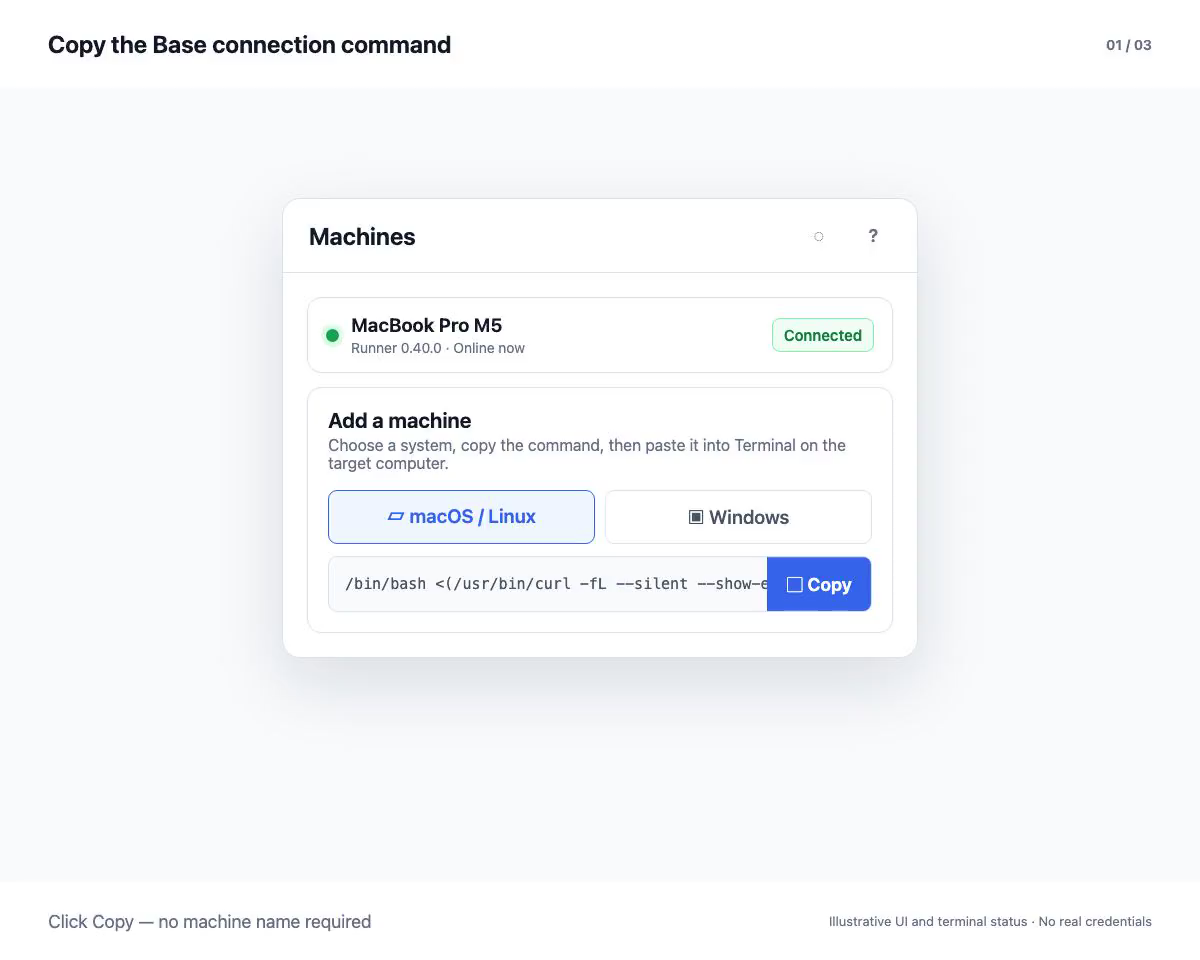
Bring every machine into one workspace
Coding agents usually run in a local terminal, tied to the repository, accounts, and tools on that machine. With several machines and several tasks, that means switching between terminals all day.
Once the Runner is installed, each machine joins the same OpenTandem workspace. All tasks are managed from one page instead of machine by machine.
Tasks run locally on the machine you choose
The Runner starts the agent on the selected machine, in the project directory set for the task, using the CLI and accounts already signed in there. Project files stay on that machine; the workspace shows the conversation, progress, and the outputs you choose to open.
Check machine status in real time
The workspace shows whether each Runner is online, and marks a machine offline after 60 seconds without a heartbeat. It also lists the agents installed on each machine and whether they are signed in, so every task goes to a machine that is ready for it.
Follow progress from your phone
Tasks run on the Runner, so closing the browser does not stop them. Away from your desk, you can check progress and open generated images, documents, and web pages on your phone, then continue at your computer.
How to get started
- Copy the install command from your workspace and run it in a terminal on the machine (bash on macOS and Linux, PowerShell on Windows).
- Create a task and select the machine and project directory.
- Send an instruction, then follow progress and outputs from any device.