Agent switching
Switch agents at any point in the same task
Planning, coding, review, and debugging often suit different agents and models. In OpenTandem, you can hand the same task to another agent or model at any point, and its conversation and outputs carry over.
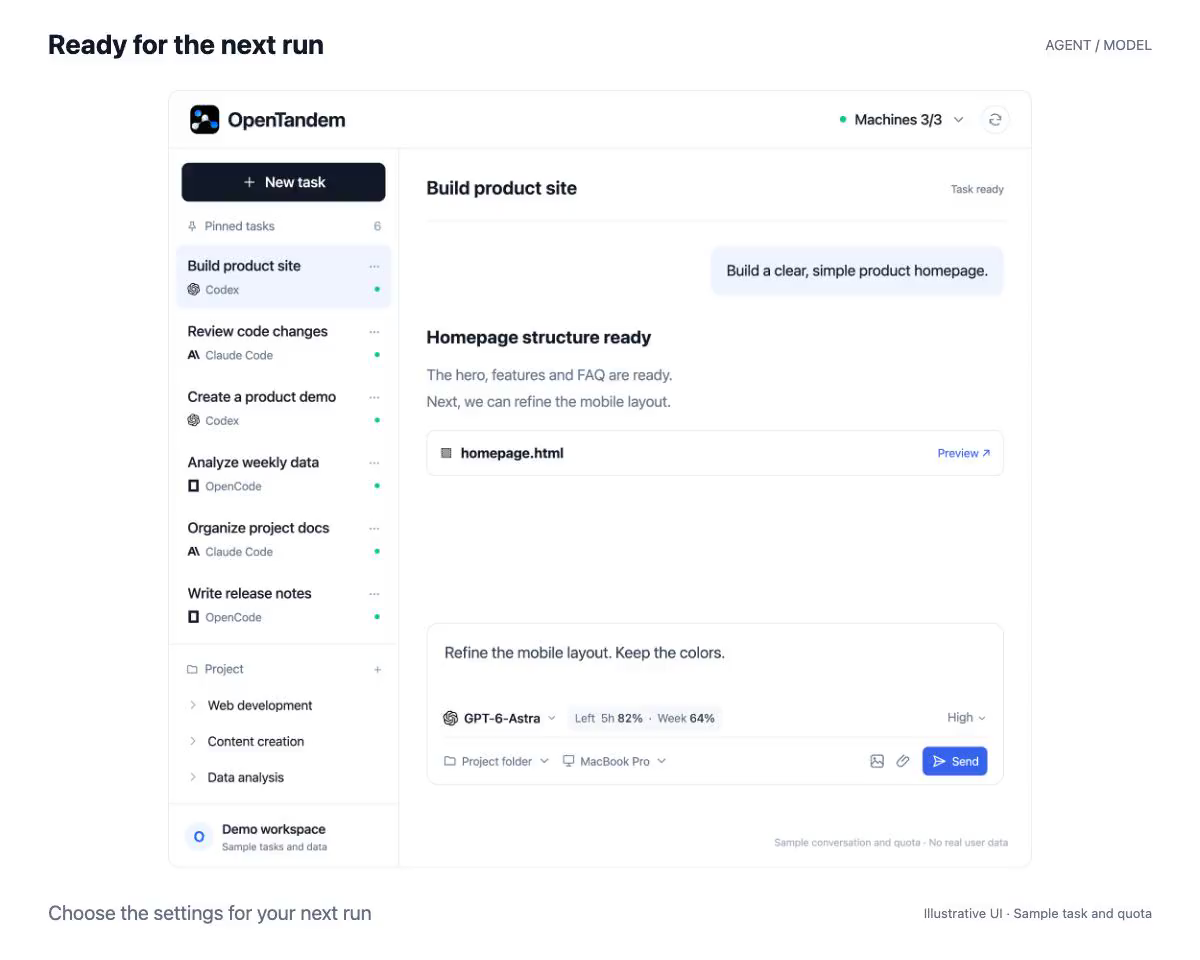
Switch agents and models from the composer
The selector in the task composer lists the agents and models available on the task’s machine. Pick a new combination and the next run uses it, without creating a new task.
The full conversation carries over
OpenTandem stores the conversation itself. If you keep the same agent, it resumes its own session. If you switch to another agent, the next run includes the full conversation, so the new agent can pick up where the last one stopped.
Model lists come from the connected machine
The models offered for each agent are reported by the Runner on the connected machine, based on what is installed there. Every model in the list can actually run on that machine.
How to get started
- Open a task and choose an agent and model from the selector in the composer.
- Adjust the execution permission if needed, such as read-only or full access.
- Send an instruction; the new run includes the full conversation.