Projects and import
Bring existing projects and local conversations into OpenTandem
You rarely start from an empty folder. A project is usually half done, with conversations already running in a local agent. In OpenTandem, you can add an existing project directory on a connected machine and import the local conversations for it, so the work continues in the same workspace.
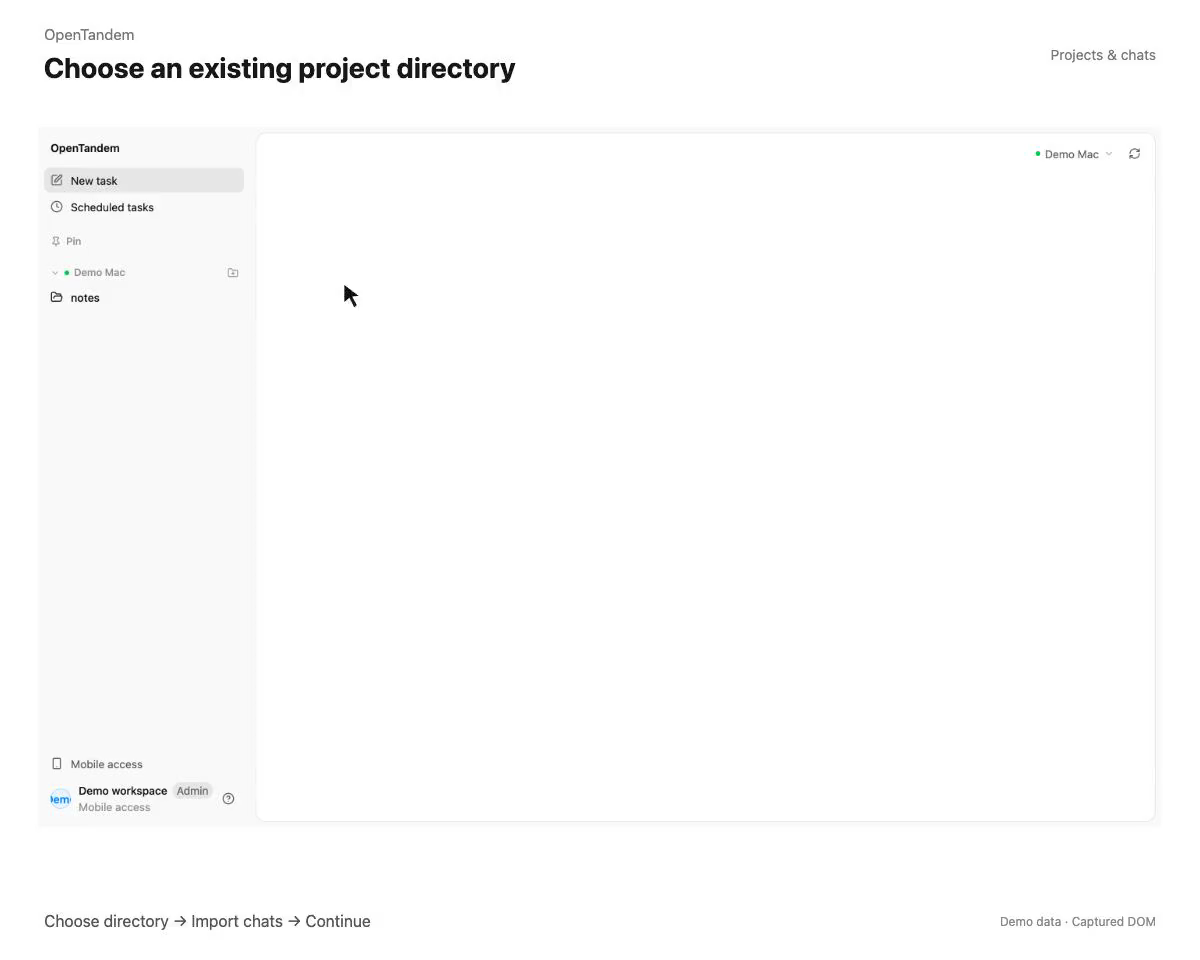
Add an existing directory as a project
Click + next to a machine, browse that machine’s directories, and choose the one that holds your project. The directory is registered as a project, and the tasks you create under it run in that directory on that machine. A newly added project automatically scans the machine for local conversations that belong to it.
Import local conversations
For a project that already exists, open its … menu and choose Import local conversations. The dialog has one tab for each of Codex, Claude Code, and OpenCode, and only the agents that have conversations to import are shown. Select the conversations you want and import them; up to 10 can be selected each time.
Directory and conversations are separate steps
Adding a directory tells OpenTandem where the project lives. Importing conversations brings in the history that was created there. You can do the first without the second, and import conversations later from the project’s menu.
Continue the work where it stopped
An imported conversation opens as a task under the project with its history intact. Send your next instruction and the agent continues from there, on the machine the project belongs to.
How to get started
- Click + next to a connected machine, choose the project directory, and register it.
- Open the project’s … menu and choose Import local conversations.
- Pick the Codex, Claude Code, or OpenCode tab, select the conversations, and import them.
- Open an imported task and send your next instruction.