Artifact preview
Preview task outputs on desktop and mobile
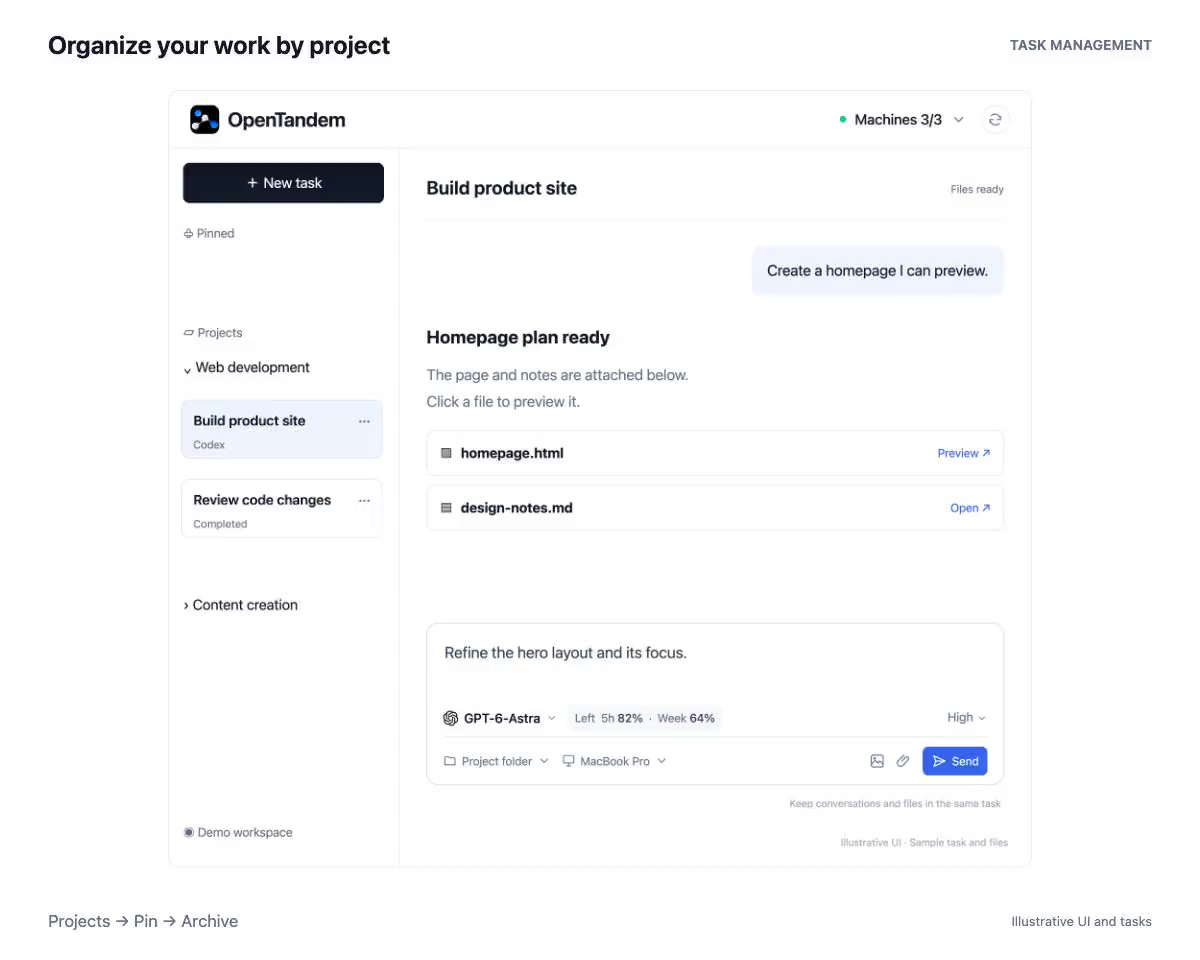
When an agent finishes, the files it produced usually sit in the project directory on the machine that ran it, so checking them means going back to that computer. OpenTandem recognizes the files an agent mentions in the conversation; click one to preview it on desktop or mobile.
Common files open right in the page
Images open in a zoomable viewer, video and audio play inline, PDFs use the browser’s built-in reader, Markdown is rendered with formatting, and text, JSON, CSV, and code files are shown as plain text. Other files, such as Word, Excel, PowerPoint, and archives, are available to download.
Web pages preview with the files they reference
A generated web page rarely stands alone: it links to other pages, stylesheets, and images in the same folder. The Runner uploads those referenced files along with the page, and OpenTandem rewrites relative paths to their preview addresses so the page displays in full. For safety, scripts do not run in the preview.
Preview dev servers running on the machine
When an agent starts a dev server on the task’s machine, a localhost link in the conversation opens as a local preview, or you can enter the port in the preview address bar. Traffic goes through the Runner and requires a credential issued by OpenTandem, so the dev server itself never needs to be exposed to the internet.
File size and access limits
Only files inside the task’s working directory can be previewed. Images are compressed to 2 MB or less before upload, other outputs are limited to 5 MB each, and documents and archives to 10 MB. Preview links are signed and expire after one hour.
How to get started
- Click a file name the agent mentions in the conversation.
- View it in the preview window, and download the original if needed.
- For a dev server, click the localhost link in the conversation or enter the port in local preview.